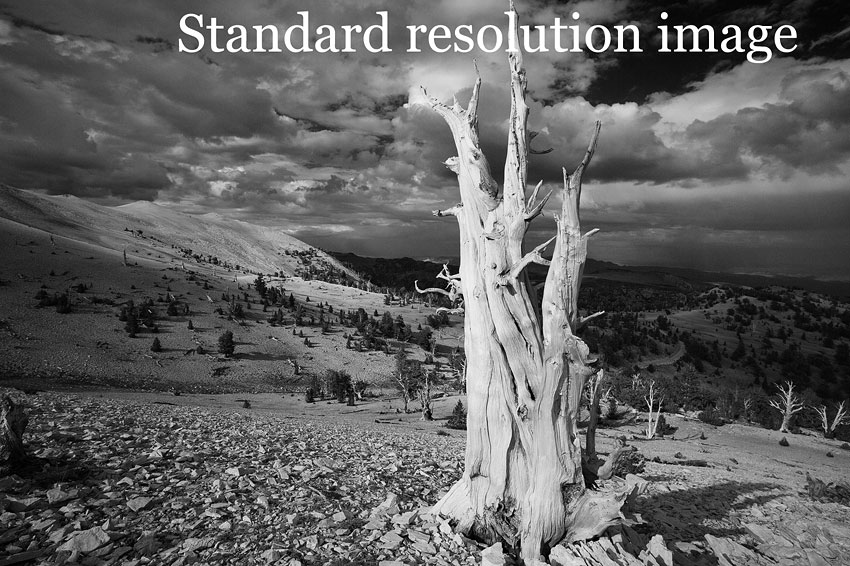



























Retina-resolution Images Now Deployed Here

The 15" Apple MacBook Pro with Retina display portends the future of display quality: the 15" model has been out for two months, and the 13" model is just around the corner. See my review of the Apple MacBook Pro Retina.
I’ll say it simply: if you have not seen high-grade images on a Retina display, then you have no idea how good a computer display can look, and how marginal even a high quality 30" display looks by comparison.
In a nutshell, the high-density Retina display is STUNNING, and if you enjoy seeing your images more lifelike than you’ve ever seen them before, then you should get the MacBook Pro with Retina display— see my recommended Macs page.
Retina images on this site
After a few fits and starts, I’ve settled on my own custom technology (coded myself) for presenting Retina-resolution images here. Since they are so large (1-2MB per image), they are confined to my Guides and publications.
Most of my Guide to Zeiss ZF / ZE Lenses pages with examples now use Retina-resolution images, as do most all pages in my Guide to ALLVIEW.
DAP and Guide to Leica also have Retina-grade images, but as currently presented most of them actually looks worse on a regular display (for technical reasons with the web browser); this will be fixed soon.
Enabling auto-Retina
First, unless you have a MacBook Pro with Retina display, don’t bother— everything else not only will not benefit, it will look blurred and will download much more slowly.
Sorry, the iPad and iPhone (even the Retina models) do not work at full resolution (highly misleading marketing IMO); iPad and iPhone (Apple iOS) mangles high-res images, downsampling to around 1000 pixels.
If you do have a MacBook Pro with Retina display, you can enable Retina-resolution images for this site.
Examples
Here are just a few recent pages which really show off Retina-grade resolution; viewing these pages shows Retina-resolution images inline on the page for easy viewing at full resolution (when viewed in separate window, set size to 50% so compensate for pixel-doubling).
- Zeiss Guide: Examples (White Mountains, Canon 5D Mark III), and any “examples” pages.
- DAP: Nikon 28mm f/1.8G (Dana Meadow)
- ALLVIEW: Sony RX100 Examples: Mountains
- ALLVIEW: Panasonic 8mm Fisheye on Olympus OM-D EM5
- ALLVIEW: Olympus 75mm f/1.8 ED examples on Olympus E-M5